|
1
|
|
|
2
|
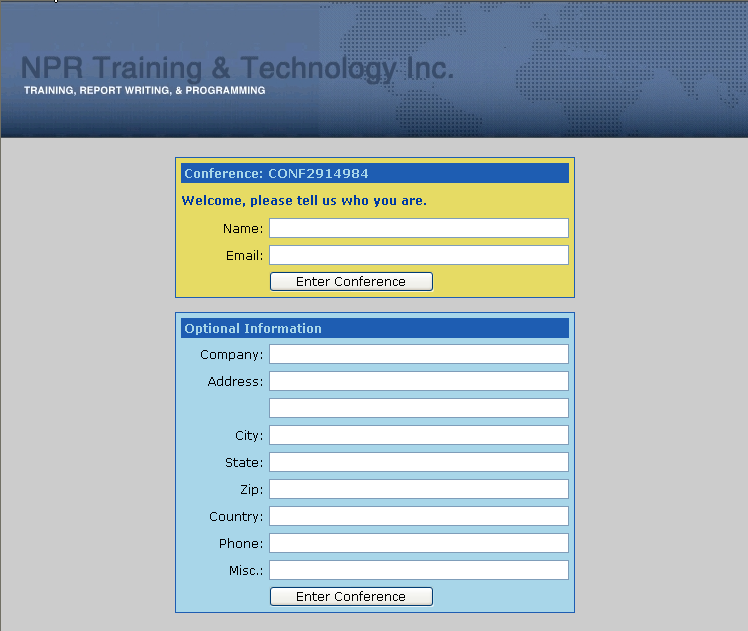
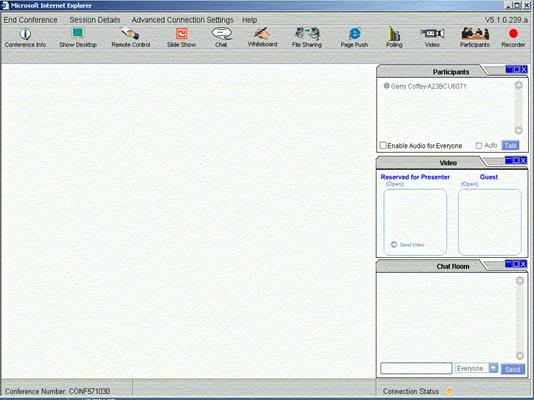
- Sign up for one of our courses.
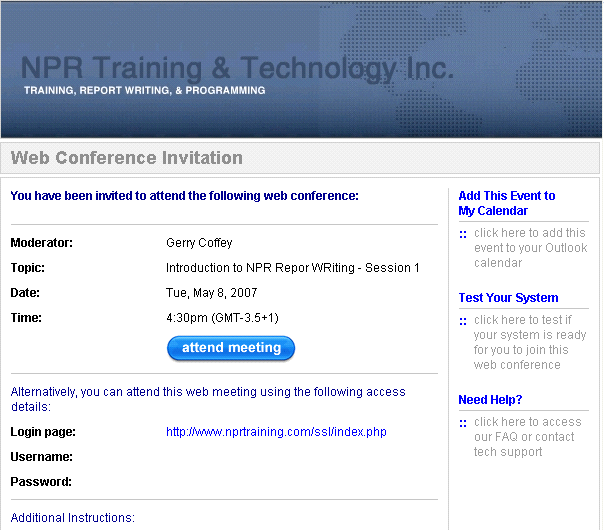
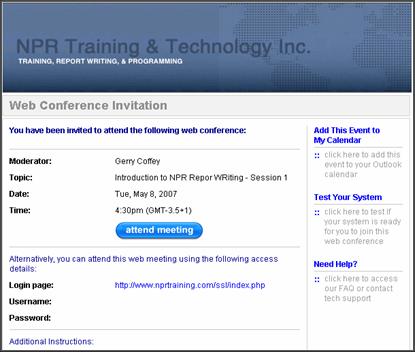
- You will receive a confirmation by E-mail.
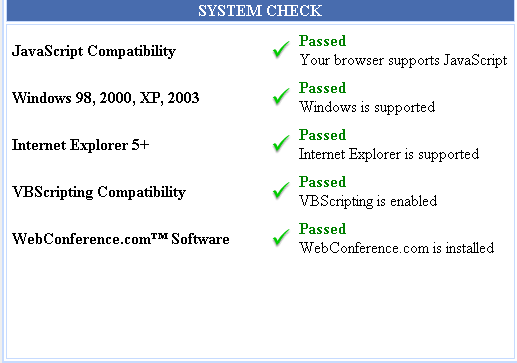
- A link in the e-mail will be provided to check and auto-setup your
computer for our on-line training software.
- Support links are also provided, just in case something does not work.
- Reminder e-mail one working day prior to class.
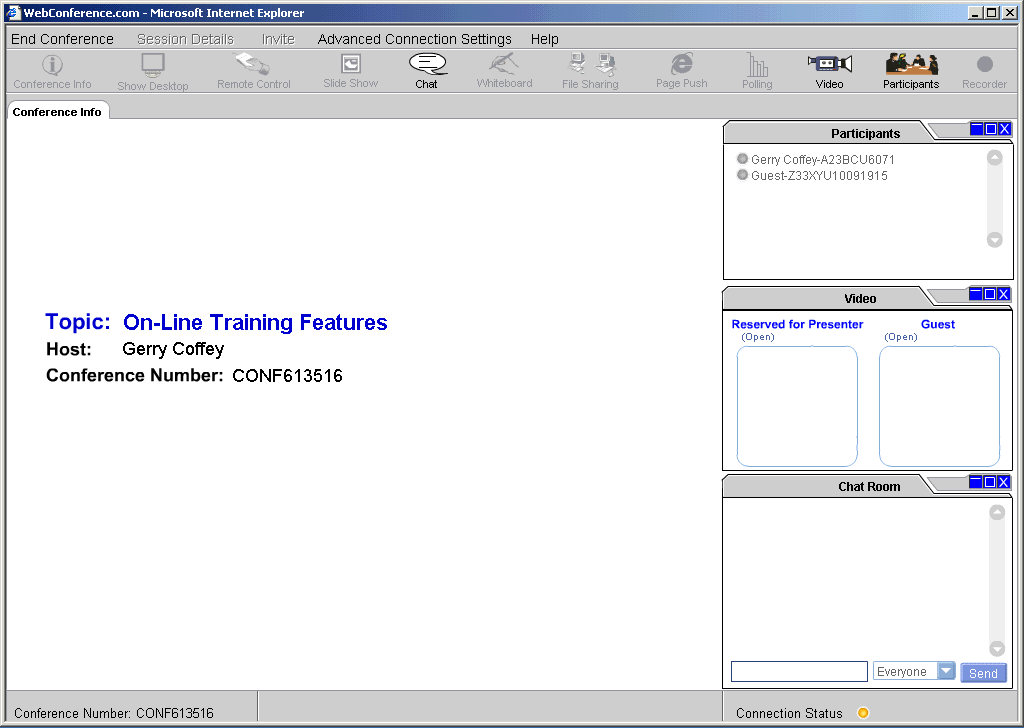
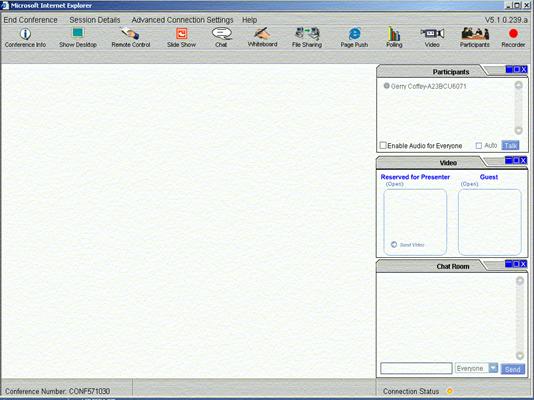
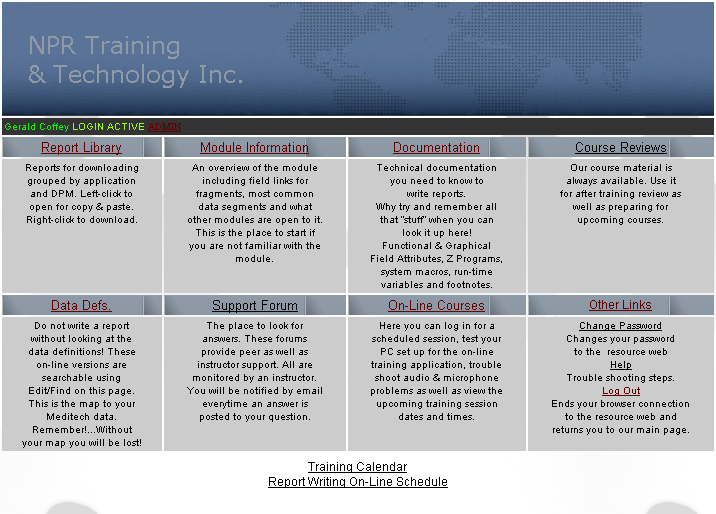
- Follow link in e-mail to our resource web and log in for class at the
indicated time.
- Support and support tools available.
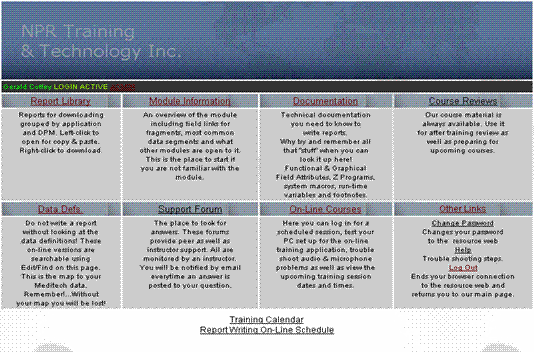
- Self paced on-line review versions of our courses are available at any time on resource web
- Variety of other support materials available.
|
|
3
|
|
|
4
|
|
|
5
|
|
|
6
|
|
|
7
|
|
|
8
|
|
|
9
|
|
|
10
|
|
|
11
|
|
|
12
|
|
|
13
|
|
|
14
|
|
|
15
|
|
|
16
|
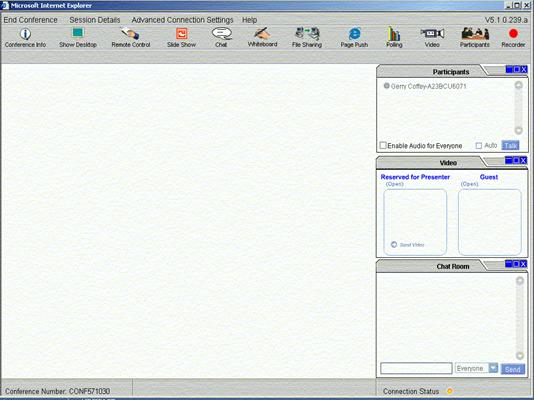
- Participants have access to the instructor before, during and after
on-line sessions.
- The on-line “classroom” is also used as a one-on-one support tool for
those not so easy questions.
- Participants have access to our resource web for self-guided answers. [Details
on next slide]
|
|
17
|
|

 Notes
Notes